Presets can no longer be reassigned
The six buttons on the device lose their greatest advantage: new radio stations or content can no longer be saved as presets in the Bose app.
Internet radio, preset buttons and smartphone control – personally set up for you.
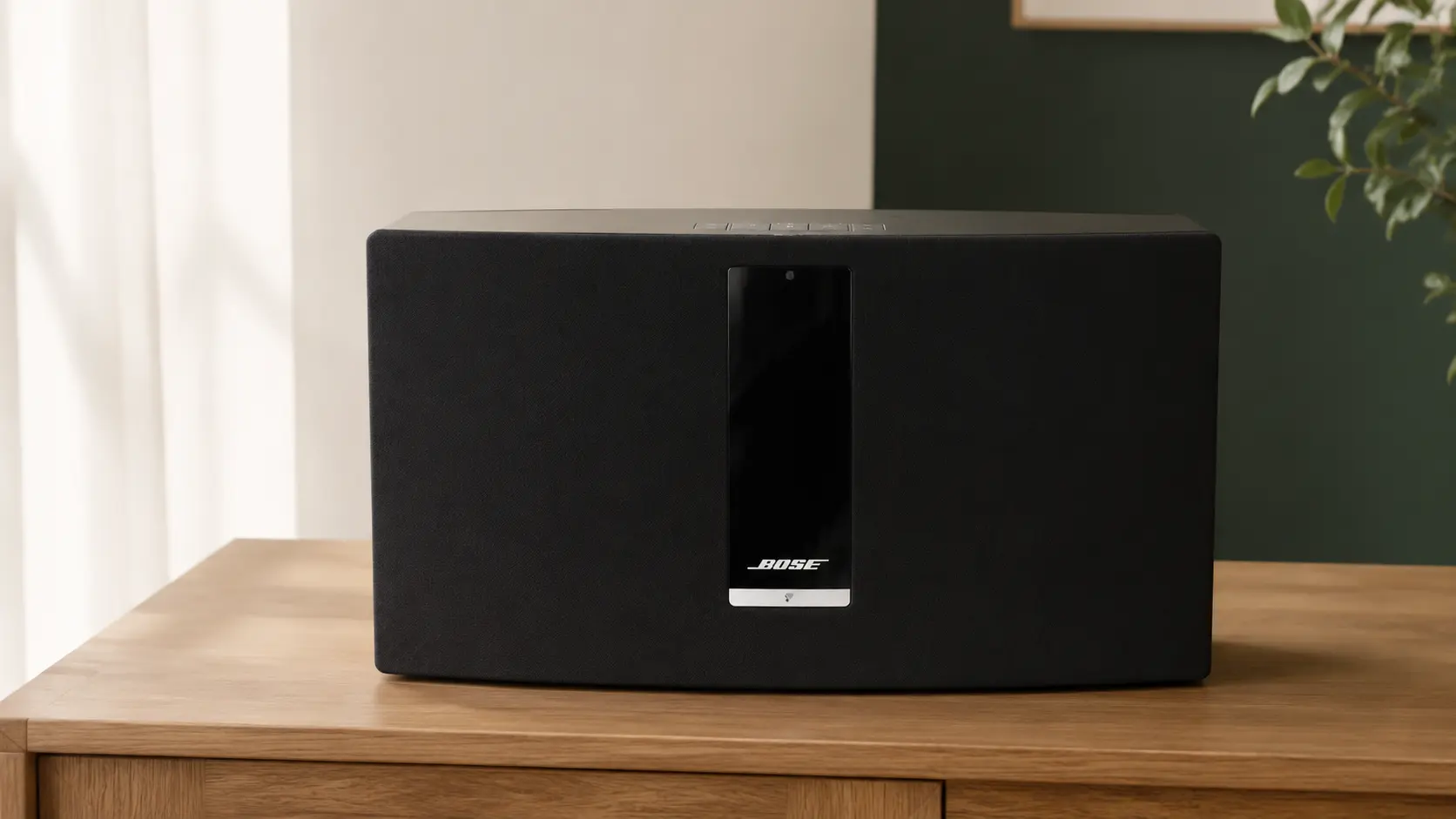
Bose ended the SoundTouch cloud service on May 6, 2026. The speakers continue to work, but their familiar range of functions has become smaller.
The six buttons on the device lose their greatest advantage: new radio stations or content can no longer be saved as presets in the Bose app.
Internet radio and other music services can no longer be browsed and started there as before.
Bluetooth, AirPlay, Spotify Connect and AUX remain available depending on the model. Grouping through the updated Bose app also remains generally possible.
We install the open-source software SoundTouch Reborn. It runs locally on the speaker and restores key functions – without the Bose cloud and without an ongoing software subscription.
Browse more than 50,000 stations and play your favourites directly.
Assign your six favourite stations directly to the buttons on the device again.
Control your SoundTouch locally in the browser – without an additional app-store account.
On request, I set up multiroom groups and playback of your own music from a NAS, FRITZ!Box or media server. Spotify Connect and stereo pairs are still in beta within the project.
The scope is the same. You only decide whether we complete the setup together remotely, after you send in the device, or at your home.
We set up your SoundTouch together in a one-time remote support session that you explicitly approve.
After arranging the details, you send us the device. We set it up, test the agreed functions and return it to you.
I visit you and set up the SoundTouch directly in your home network – for households in the Allgäu and by individual arrangement.
SoundTouch Reborn is free open-source software. You can install it yourself at any time using the public instructions. You pay us solely for personal assessment, setup and support.
Install it yourselfWhat still works after the cloud shutdown, which devices are supported, and how to restore presets and internet radio.
No. SoundTouch Reborn is an independent, free open-source project. You only pay for my personal assessment, setup and support.
A Windows 10/11 PC or Mac running macOS 12 or later on the same home network as your SoundTouch. The speaker should be reachable via Wi-Fi or LAN. We check everything else before the appointment.
No. After setup, SoundTouch Reborn runs directly on the speaker. You only need the computer for updates and convenient settings.
The updated Bose app can still group speakers on the same home network. SoundTouch Reborn also offers its own multiroom groups, which I can set up as an optional add-on.
According to the project, SoundTouch Reborn generally supports the SoundTouch family. Before setup, I still check the model, firmware, network and the individual condition of the device.
Yes. The software, instructions and community support are available free of charge at st-reborn.de. My service is for people who want personal setup or help with firmware, networking and configuration.
No. Smart-Speaker-Service by Rico Lange is an independent IT setup service and is not affiliated with Bose Corporation or the SoundTouch Reborn project.
Send me your model and the functions you would like. I will check the requirements free of charge and get back to you personally.